

Zebra Bingo Login
Welcome to your one-stop guide for everything related to your Zebra Bingo login. Whether you are a brand-new member or a returning player eager to dive back into your favourite bingo rooms and slots, accessing your account should be quick, smooth, and stress-free. At Zebra Bingo, we know that your time is precious, so we have designed our sign-in process to be straightforward across all devices. In this comprehensive guide, we will walk you through every step of the Zebra Bingo login process, explain how to recover your password, resolve common access issues, and keep your account secure. Our friendly UK support team is always on hand to help, so you can play with complete peace of mind. Let’s get you back to the action and ensure your account access is always reliable, safe, and simple to manage from start to finish.
How to Complete Your Zebra Bingo Login
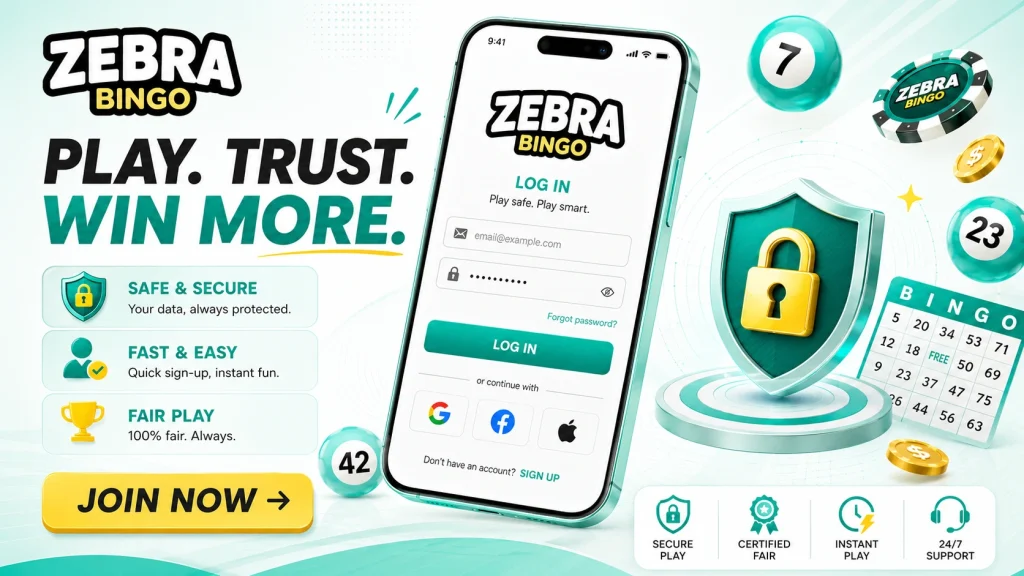
Signing in to your Zebra Bingo account takes just a few moments. Once you have registered and verified your details, you can access your account anytime, anywhere across the United Kingdom. The Zebra Bingo login button is prominently displayed on every page, so you will never have to search for it. Simply follow the steps below to enter your personal lobby and pick up exactly where you left off. Before you begin, make sure you have your registered email address and password ready. If you have enabled any extra security features, keep your mobile device nearby too. Here is exactly how to access your Zebra Bingo account:
- Visit the official Zebra Bingo website and click the ‘Login’ button in the top-right corner.
- Enter your registered email address.
- Type your secure password.
- Click ‘Sign In’ and you are ready to play.
Accessing Your Account on Web and Mobile
One of the great advantages of being a Zebra Bingo member is the freedom to play whenever and wherever you like. Your account access works seamlessly across desktop browsers, tablets, and smartphones, giving you complete flexibility. Whether you prefer relaxing at home with your laptop or enjoying a few games on your commute, your Zebra Bingo sign in details remain exactly the same. There is no need to create separate accounts for different devices, as everything is synced to keep your balance, bonuses, and game history up to date. The platform is fully optimised for the UK market, ensuring fast loading times and responsive design no matter which device you choose. This consistency means you can switch between your phone and computer without any hassle, picking up your favourite bingo games and slots exactly where you last left them.
Logging In via Your Mobile Browser
For players who prefer gaming on the go, the mobile experience at Zebra Bingo is exceptionally smooth. You do not necessarily need to download a dedicated app to enjoy the full range of games. Simply open your preferred mobile browser, such as Safari or Chrome, and navigate to the Zebra Bingo website. The site automatically adapts to your screen size, presenting a clean, easy-to-use interface. Tap the menu icon, select the login option, and enter your account access credentials just as you would on desktop. Your session remains secure throughout. To save time on future visits, you can bookmark the page or add a shortcut to your home screen. This gives you instant, app-like access to your account whenever the mood for a quick game strikes you.
Resetting and Recovering Your Password
Forgetting your password happens to the best of us, and there is absolutely no need to worry if it slips your mind. Zebra Bingo provides a quick and secure password recovery process so you can regain account access within minutes. The system is designed to verify your identity safely while keeping your details protected at all times. If you find yourself unable to complete your Zebra Bingo login because of a forgotten password, simply follow the simple recovery steps and you will be back to your favourite games in no time. Here is how to reset your password:
- Click the ‘Forgot Password?’ link on the login screen.
- Enter the email address linked to your account.
- Check your inbox for a secure reset email from Zebra Bingo.
- Click the link and create a strong, new password.
- Return to the sign in page and log in with your fresh credentials.
Common Login Problems and How to Solve Them
Even with the smoothest systems, occasional hiccups can occur during the Zebra Bingo login process. The good news is that most issues are easy to fix yourself in just a few minutes. If your sign in attempt fails, the most common cause is simply a typing error, so double-check that your email address and password are entered correctly, paying attention to capital letters. Clearing your browser cache and cookies often resolves stubborn loading problems, as does updating your browser to the latest version. If you are using a saved password, ensure it has not been changed recently. A stable internet connection is also essential for smooth account access. Should you still experience difficulties, try logging in from a different browser or device to identify whether the problem lies with your equipment. Most players find these quick checks restore access immediately and effortlessly.
What to Do If Your Account Is Blocked
If your Zebra Bingo account becomes temporarily blocked, please do not be alarmed, as this is usually a protective measure rather than a cause for concern. Accounts may be locked after several incorrect login attempts, during routine verification checks, or as part of our commitment to responsible gambling and player safety. The first step is to wait a short while and attempt your sign in again using the correct details. If access remains restricted, the fastest solution is to contact our dedicated UK support team directly. They can verify your identity, explain the reason for the block, and guide you through reactivating your account swiftly. Keeping your registration details and verification documents up to date helps prevent unnecessary blocks and ensures any review process is resolved as quickly as possible for your convenience.
Account Security and Contacting Support
Protecting your account is our top priority, and there are simple steps you can take to keep your Zebra Bingo login secure. Always choose a strong, unique password that combines letters, numbers, and symbols, and never share your credentials with anyone. We strongly recommend enabling two-factor authentication (2FA) where available, adding an extra layer of protection by requiring a code from your mobile device during sign in. Be cautious of phishing emails and only ever log in through the official Zebra Bingo website. If you ever notice suspicious activity or need assistance, our friendly UK support team is available via live chat and email. They are ready to help with anything from account access queries to security concerns. With these sensible precautions and our responsive support, you can enjoy your favourite games confidently, knowing your account remains safe, secure, and entirely in your control.